

SonarQube remains a strong choice for quality gates, code smells, and self-hosted analysis. It becomes a weaker fit when a team needs pull-request-native review, broader application-security coverage, simpler cloud deployment, or pricing that does not scale with lines of code.
This guide compares leading SonarQube alternatives and SonarQube competitors by analysis depth, security coverage, deployment, integrations, and cost, so you can narrow the field without treating every tool as a like-for-like replacement. Free and open-source options are covered separately in our dedicated guide.
What Is the Best SonarQube Alternative for Enterprise Teams?
The best SonarQube alternative depends on what you need beyond static analysis. For teams that want SonarQube-style code quality analysis together with AI code review, SAST, SCA, secret scanning, and IaC checks in one platform, CodeAnt AI covers all of it across GitHub, GitLab, Bitbucket, and Azure DevOps, with cloud or on-prem deployment, quality gates that can block merges, and SOC 2 Type II, HIPAA, and GDPR reporting.
Teams that only need static analysis often use SonarQube Community Build, Semgrep, or PMD. Teams that prioritize security reach for Snyk or Aikido. Teams that want quality dashboards choose Codacy or DeepSource. The tools below break each option down so you can match one to your stack.
Criteria for Selecting SonarQube Alternatives
When evaluating SonarQube alternatives and sonar alternatives more broadly for enterprise environments, focus on these six business-critical factors:
Enterprise Integration: Does it integrate with your existing enterprise stack? Consider compatibility with your CI/CD infrastructure, Active Directory, LDAP, and enterprise-grade repositories like GitLab Enterprise or GitHub Enterprise.
Scalability & Performance: Can it handle your organization's codebase size and developer count? Look for tools that won't slow down as your repositories and teams grow.
Compliance & Governance: Does it meet your industry requirements? Many enterprises need SOC 2, GDPR compliance, audit trails, and reporting capabilities for regulatory purposes.
Total Cost of Ownership: What's the real cost beyond licensing? Factor in implementation time, training requirements, infrastructure needs, and ongoing maintenance versus the value delivered.
Vendor Stability & Support: Is this a vendor you can rely on for three to five years? Consider the company's funding, enterprise client base, SLA options, and dedicated support channels.
Security & Privacy: Where is your code analyzed? On-premises options, data residency requirements, and security certifications matter for enterprise adoption.
What Does SonarQube Actually Cost in 2026?
SonarQube pricing depends on the edition, deployment model, and size of the codebase. Unlike per-user tools, SonarQube's commercial pricing is primarily tied to lines of code (LOC), so costs can increase as the analyzed codebase grows.
SonarQube Edition | Best for | Pricing model | Deployment |
|---|---|---|---|
Community Build | Individual developers and open-source projects | Free | Self-hosted |
Developer | Professional development teams | Based on lines of code | Self-hosted |
Enterprise | Large organizations and governance | Based on lines of code | Self-hosted |
Data Center | Large-scale enterprise deployments | Custom | Self-hosted |
SonarQube Cloud | Teams wanting managed SonarQube | Based on lines of code | Cloud |
For teams comparing SonarQube with per-user platforms, the important number is total cost of ownership, not just the license price. Self-hosted SonarQube can also require infrastructure, administration, upgrades, backups, and maintenance.
CodeAnt AI uses a different pricing model, starting at $24/user/month, with enterprise pricing available separately. That makes the two products difficult to compare on license price alone because one scales primarily with code volume while the other scales with users.
Top 10 SonarQube Alternatives in 2026
The table below gives you a quick brief on these 10 SonarQube alternatives for your workflow.
Tool | Best For | Key Features | Platform Support | Pricing | Free Trial |
CodeAnt AI | Enterprise & DevOps teams | AI code review, SAST, SCA, secret + IaC scanning, offensive validation, quality gates, DORA dashboards, 30+ languages | GitHub, GitLab, Bitbucket, Azure DevOps | $24/user/mo | 14 days |
Aikido Security | Teams wanting code quality plus security in one workflow | AI code review, SAST, SCA, secrets, IaC, containers, CSPM, AutoFix, SBOMs | GitHub, GitLab, Bitbucket, Azure DevOps, CI/CD, IDEs, Jira, Slack | Free plan; paid team and enterprise plans | Free plan available |
Codacy | Small to mid-sized teams | Automated code reviews, duplication detection, test coverage, security scanning, pull request integration | GitHub, GitLab, Bitbucket | Free plan available, $15/month (Pro) | Free tier |
Snyk | Security-focused teams | Dependency scanning, container security, infrastructure as code, vulnerability monitoring, automated fixes | GitHub, GitLab, Bitbucket, IDEs, CI/CD tools | Free plan limited, $59/user/month (Team) | Free tier |
DeepSource | Teams wanting automation | Static analysis, automated fixes, security detection, performance optimization, code metrics | GitHub, GitLab, Bitbucket | Free for individuals, $10/user/month (Team) | Free tier |
Veracode | Enterprise security | SAST, DAST, mobile security, SCA, compliance reporting, policy enforcement | IDEs, CI/CD pipelines, multiple platforms | Custom enterprise pricing | Contact sales |
Checkmarx | Secure coding training | SAST, IAST, SCA, security training, compliance support, developer education | IDEs, CI/CD, multiple platforms | Custom enterprise pricing | Contact sales |
Squale | Budget-conscious teams | Code quality analysis, technical debt tracking, maintainability metrics, customizable rules | Development environments | Free (open-source) | Always free |
CAST Software | Enterprise architecture | Application architecture analysis, software health metrics, risk assessment, executive reporting | Enterprise application portfolios | $7,000-$420,000/year | Contact sales |
Kiuwan | Regulated industries | Code quality analysis, security detection, compliance reporting (OWASP, SANS), risk assessment | IDEs, CI/CD pipelines | $599/month (SAST), $1,199/month (SCA) | Free trial |
Now, let's take a deep dive into each of these SonarQube alternatives, starting with:
1. CodeAnt AI
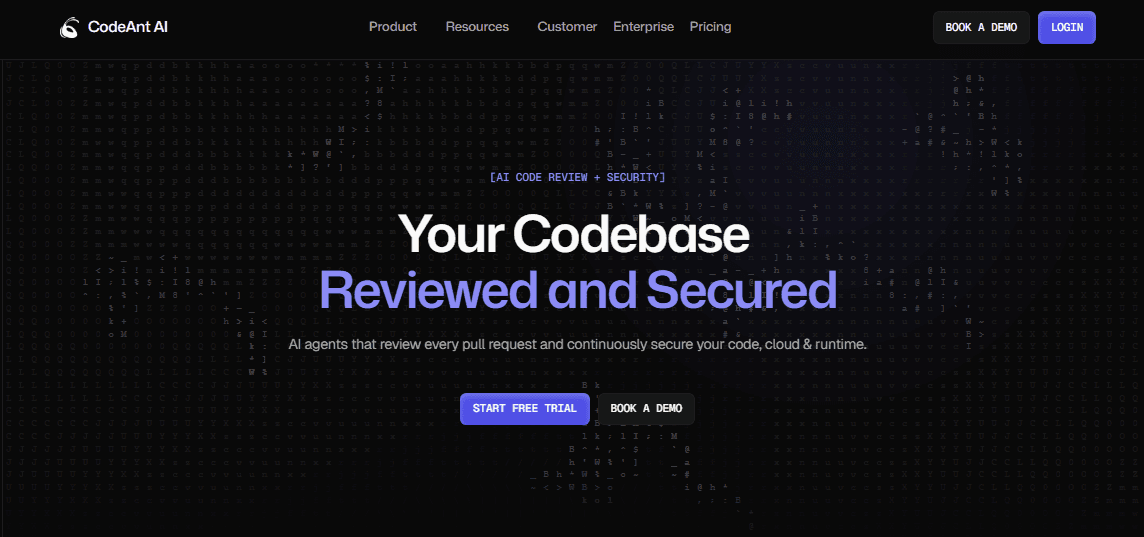
If you're hitting limits with SonarQube's rigid workflows, complex setup, or costly enterprise-only features, CodeAnt AI is one of the more complete SonarQube competitors on this list.
It's built as a defensive and offensive security platform: alongside AI-generated PR reviews and code quality checks, an offensive validation layer confirms which flagged vulnerabilities are actually exploitable, rather than surfacing every theoretical static-analysis hit the way a rule-based tool like SonarQube does.
See how CodeAnt AI compares to SonarQube.
Key Features
Real-Time Code Analysis: Scans your code as you write it, catching issues before they become problems. Works across all your repositories without slowing down your workflow.
Context-Aware Suggestions: Uses AI to understand your coding patterns and team standards, giving fixes suited to your project rather than generic advice.
Offensive Validation: Confirms which flagged vulnerabilities are actually exploitable, pairing defensive scanning with proof instead of a wall of theoretical findings.
Clear Reporting: Straightforward reports that read the same whether you're a junior developer or a project manager.
IDE Integration: Plugs into VS Code and JetBrains directly, no complicated setup.
Auto-Fix Capabilities: Applies fixes for common issues automatically rather than only flagging them.
Security Built In: SAST, SCA, secret detection, and IaC misconfiguration scanning ship in the same review, so you're not bolting on a separate security tool.
Quality Gates and DORA Dashboards: Block merges that fail your standards and track code quality, coverage, and DORA metrics org-wide.
30+ Languages, Cloud or On-Prem: Broad language coverage with GitHub, GitLab, Bitbucket, and Azure DevOps support, deployable in the cloud or self-hosted for SOC 2 Type II, HIPAA, and GDPR needs.
Limitations
Review depth favors correctness and best practices over the kind of deep architectural analysis a decade-old static-analysis engine like SonarQube's has built up.
Smaller long-form case-study library than legacy vendors in this category.
Newer to the market, so migration guidance from SonarQube's specific quality profiles is less mature than switching between two established static-analysis tools.
Integrations
CodeAnt AI works with GitHub, GitLab, and Bitbucket, plus Azure DevOps.
Pricing
The Premium plan is $24/user/month after a 14-day free trial that includes 100 PR reviews and no credit card. Enterprise is custom, with SOC 2 Type II, HIPAA, and GDPR reporting.
Teams migrating off SonarQube specifically should weigh this against the quality-profile rework a switch requires either way. Rule-based SonarQube and context-aware CodeAnt AI approach the same problem differently enough that "alternative" undersells how different the actual review experience is day to day.
2. Aikido Security
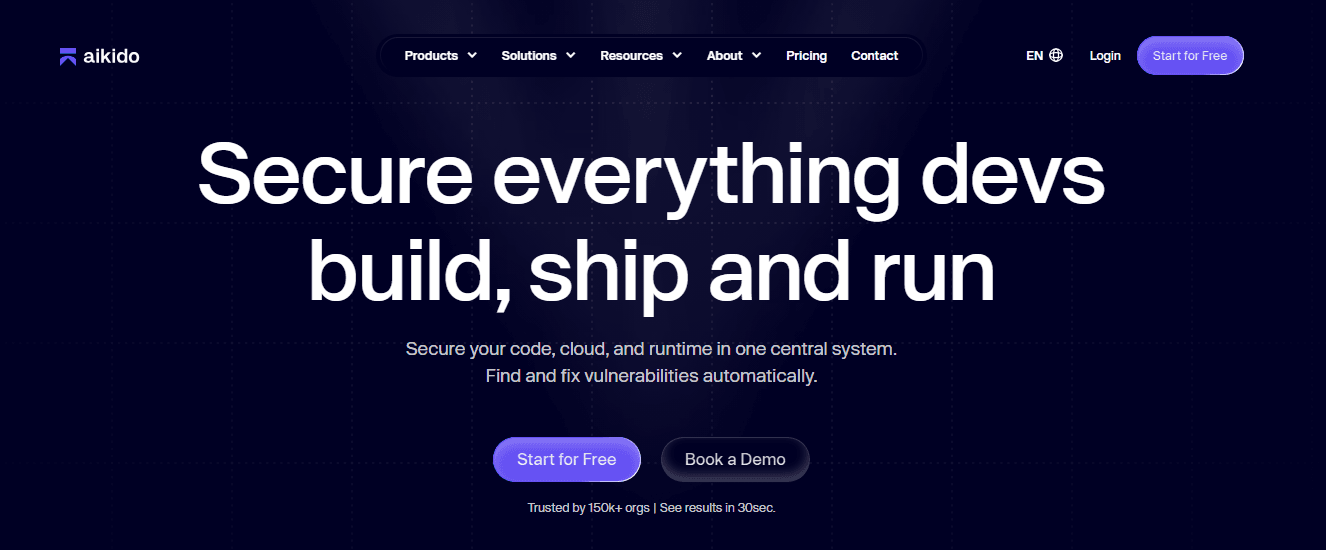
Aikido Security is a SonarQube alternative for teams that care about code quality but also want security coverage beyond traditional static analysis. It combines AI code review, SAST, SCA, secrets detection, IaC scanning, container scanning, cloud posture checks, and remediation workflows in one developer-focused platform.
Where SonarQube is often used for code quality, bugs, code smells, and static analysis, Aikido leans more heavily into AppSec and practical remediation. It's a good fit for teams that want PR-level feedback, security-focused code scanning, and dependency or cloud findings without stitching together several separate tools.
Key Features
AI Code Quality: Reviews pull requests for bug risks, anti-patterns, maintainability issues, and team-specific quality rules.
SAST: Finds code-level security issues and supports custom rules for risks specific to a codebase.
SCA: Scans open-source dependencies for vulnerabilities, license risks, malicious packages, and SBOM requirements.
Limitations
More security-focused than a traditional code quality-only tool, so teams looking purely for linting and maintainability metrics may not need the full platform.
Organizations that rely heavily on SonarQube's existing quality profiles, historical dashboards, or self-managed workflows should compare migration effort directly.
Integration
Aikido integrates with GitHub, GitLab, Bitbucket, Azure DevOps, GitHub Actions, GitLab CI/CD, Jenkins, Jira, Slack, cloud providers, IDE plugins, and container registries.
Pricing
Aikido has a free Developer plan, paid team plans, and enterprise options with tailored pricing. The free plan includes SCA, SAST, secrets detection, cloud checks, license risk, outdated software checks, and IDE plugins with usage limits.
3. Codacy
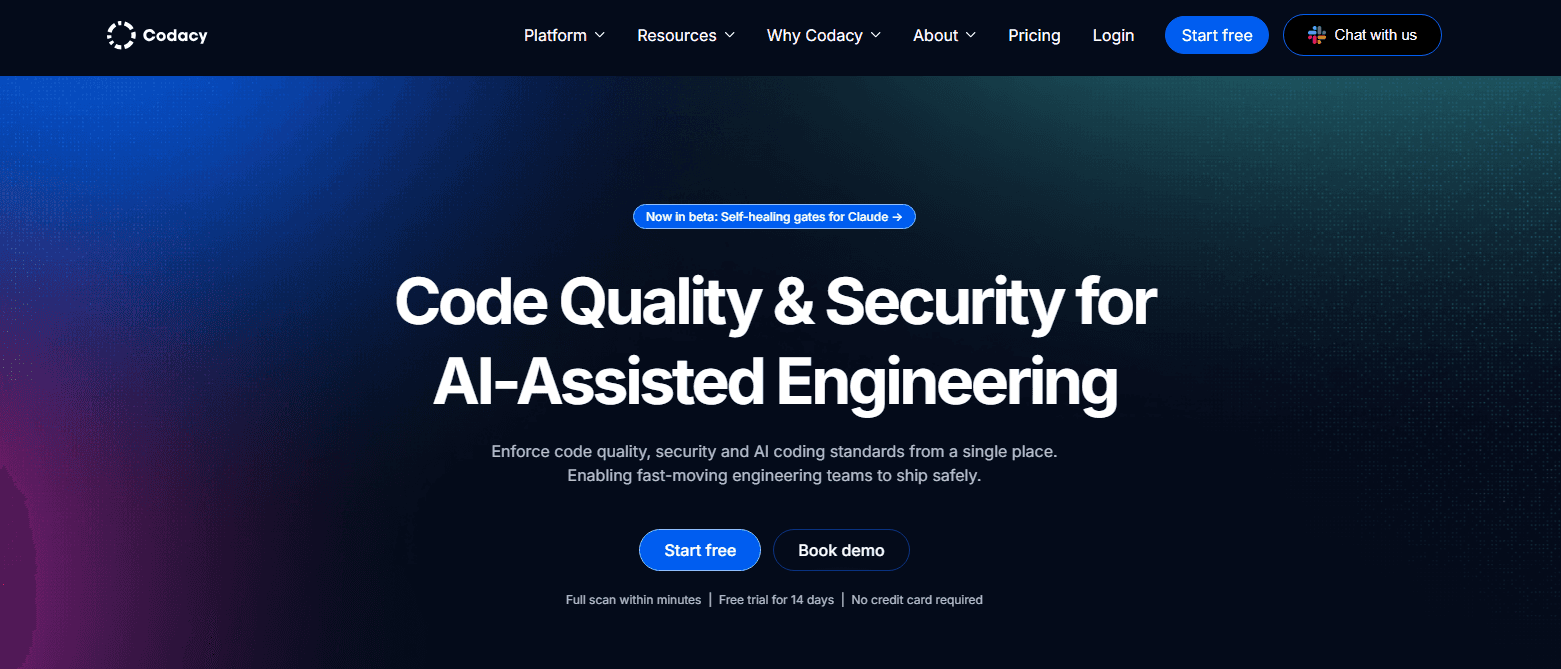
Codacy covers a lot of programming languages and handles the heavy lifting on code analysis without much configuration overhead.
Key Features
Automated Code Reviews: Checks code automatically and catches common issues early.
Duplication Detection: Finds repeated code blocks worth refactoring.
Test Coverage Analysis: Shows exactly what's covered by tests and what isn't.
Security Scanning: Looks for potential vulnerabilities in the codebase.
Code Complexity Metrics: Flags functions that are getting too complicated.
Limitations
Analysis Limits: Restrictions on code analysis for large repositories can affect metric accuracy.
False Positives: Users report getting flagged for issues that aren't actually problems, adding manual review time.
Limited Language Support: Broad coverage, but some newer frameworks and languages aren't fully supported.
Integration
Works with GitHub and Bitbucket. Pull request feedback is generally useful rather than noisy.
Pricing
Free plan available. Paid plans start at $15 per month.
4. Snyk
Snyk specializes in security specifically. If dependency or container vulnerabilities are the concern, this is a tool built around exactly that problem.
Key Features
Dependency Scanning: Continuously monitors open-source libraries for known security issues.
Container Security: Scans Docker images for vulnerabilities before they reach production.
Infrastructure as Code Security: Checks Terraform and Kubernetes configs for security problems.
Real-Time Monitoring: Keeps watching dependencies after deployment.
Automated Fixes: Can open pull requests to fix vulnerable dependencies automatically.
Limitations
False Positives: Users frequently encounter excessive false positives, adding review overhead.
Pricing: Gets expensive for medium to large teams, though a free tier exists for smaller organizations.
Language Support Issues: Known limitations with Gradle, NPM, and Xcode, and gaps on some newer language versions.
Integration
Works with most IDEs, CI/CD tools, and container registries without requiring major workflow changes.
Pricing
Free plan with limited features. Premium plans start at $59 per developer per month.
5. DeepSource
DeepSource focuses on fixing issues automatically rather than just flagging them, aiming to cut the time spent on manual review.
Key Features
Static Code Analysis: Scans code across multiple languages for quality issues.
Automated Fixes: Resolves common problems directly instead of only flagging them.
Security Vulnerability Detection: Finds potential security issues in code.
Performance Optimization: Suggests improvements for runtime performance.
Code Metrics: Tracks technical debt and code health over time.
Limitations
False Positives: Occasional false positives require manual verification.
Free Plan Restrictions: The free plan doesn't include automated analysis; pull requests and issues need manual review.
Information Overload: Can generate more feedback than some teams find manageable to prioritize.
Integration
Connects with GitHub, GitLab, and Bitbucket, and works well in CI/CD pipelines.
Pricing
Free for individual developers. Paid plans start at $10 per developer per month.
6. Veracode
Veracode is built for enterprise compliance requirements and comprehensive security testing at scale.
Key Features
SAST: Deep security analysis of source code.
DAST: Tests running applications for vulnerabilities.
Mobile Application Security: Specialized testing for mobile apps.
Software Composition Analysis: Checks third-party components for security issues.
Compliance Reporting: Helps meet regulatory requirements.
Limitations
Slow Scanning: Long scan times on large applications can delay development.
Dated Interface: The UI feels slow compared to modern tools, with noticeable click-response lag.
Limited Language Support: Behind on timely support for newer language and framework versions.
Integration
Integrates with IDEs, version control systems, and CI/CD pipelines, built for enterprise development workflows.
Pricing
Custom pricing based on need. Expect enterprise-level costs.
7. Checkmarx
Checkmarx is another security-focused tool, generally considered more developer-friendly than some enterprise alternatives.
Key Features
SAST: Finds security vulnerabilities in code.
IAST: Tests applications while they're running.
Software Composition Analysis: Scans open-source components for vulnerabilities.
Security Training: Helps developers learn secure coding practices.
Compliance Support: Meets various industry security standards.
Limitations
Windows Only: A real constraint for teams standardized on other operating systems.
High Memory Requirements: Can require 32GB or more for large projects and may stop unexpectedly under memory pressure.
Performance: Slow scans and high memory usage remain ongoing complaints.
Integration
Strong integration throughout the development lifecycle with real-time IDE feedback.
Pricing
Enterprise-focused, pricing available on request.
8. Squale
Squale is the open-source option for teams that want code quality analysis without a licensing cost.
Key Features
Code Quality Analysis: Basic but effective analysis of quality issues.
Technical Debt Tracking: Helps track and manage technical debt over time.
Maintainability Metrics: Shows how easy code is to maintain and modify.
Quality Guidelines: Suggestions for improving code quality.
Customizable Rules: Adjustable analysis to fit team standards.
Limitations
Limited Features: Fewer advanced capabilities than commercial alternatives.
Smaller Community: Less community support and fewer available resources.
Documentation: Coverage for new users can be thin.
Integration
Works with standard development environments and provides quality improvement guidance.
Pricing
Completely free, open-source.
9. CAST Software
CAST analyzes entire application architecture rather than individual code issues, aimed at high-level portfolio insight.
Key Features
Application Architecture Analysis: Understands how an entire system fits together.
Software Health Metrics: Overall health scores for applications.
Risk Assessment: Identifies architectural risks before they cause problems.
Technology Stack Analysis: Analyzes every technology in an application portfolio.
Executive Reporting: Reports built for management, not just engineering.
Limitations
Cost: Pricing ranges from $7,000 to $420,000 annually, putting it out of reach for most teams below enterprise scale.
Complex Setup: Meaningfully more setup and configuration time than simpler tools.
Learning Curve: Teams need real training to use and interpret the analysis.
Overkill for Small Teams: The enterprise focus makes it a poor fit below a certain scale.
Limited Real-Time Feedback: Built for strategic analysis, not day-to-day development feedback.
Integration
Focused on comprehensive application analysis rather than day-to-day development integration.
Pricing
Enterprise pricing from $7,000 to $420,000 annually, depending on application portfolio size.
10. Kiuwan
Kiuwan combines code quality and security with a compliance focus, a reasonable fit for regulated industries with specific standards to meet.
Key Features
Code Quality Analysis: Standard quality checks and metrics.
Security Vulnerability Detection: Finds security issues in code.
Compliance Reporting: Helps meet standards like OWASP and SANS.
Risk Assessment: Prioritizes issues by actual risk to the application.
Multi-Language Support: Works across a wide range of languages.
Limitations
Pricing: Starting at $599 for SAST and $1,199 for SCA scans, expensive for smaller teams.
Enterprise Focus: Primarily built for enterprise users, likely overkill for smaller teams.
Limited Trial: A free trial exists, but the full feature set requires a paid subscription.
Integration
Strong integration with DevOps pipelines and development tooling for security scanning.
Pricing
Starts at $599 for SAST scans and $1,199 for SCA scans. Free trial available.
Free plan available. Premium options start at $10 per user per month.
How to Choose the Right Free SonarQube Alternative for Your Team
Not every free tool replaces SonarQube in the same way. The right choice depends on what you actually need SonarQube for:
If you need security scanning (SAST): Semgrep's free tier is the strongest option. 30+ languages, 2,000+ community rules, custom rule writing, CI/CD integration with PR comments. Pair with Bandit (Python) or PMD (Java) for language-specific depth.
If you primarily write JavaScript or TypeScript: ESLint covers code quality and style. Pair it with a dedicated security scanner (Semgrep) for the vulnerability detection ESLint doesn't provide.
If you primarily write Python: Ruff for speed and formatting, Pylint for deep analysis, Bandit for security scanning. This three-tool stack covers what SonarQube does for Python teams at zero cost.
If you primarily write Java: PMD for code quality, SpotBugs for bytecode-level bug detection, Checkstyle for style enforcement. For open-source projects, add SonarCloud's free tier for a unified dashboard.
If you want a unified dashboard without self-hosting: SonarCloud (free for public repos) gives the full SonarQube experience with no server to maintain. Private repos under 100K LOC run $10/month.
If you need IDE real-time feedback: SonarLint is free and works in IntelliJ, VS Code, Eclipse, and Visual Studio, running SonarQube's rules as you type.
What Free Tools Don't Cover, and When You Need More
Free tools cover a lot of ground, but a few specific capabilities aren't fully covered by any free tool on this list:
AI-powered PR review. Every tool above is rule-based, checking code against predefined patterns. None reviews a pull request with full codebase context the way a senior engineer would, reasoning about intent rather than just matching patterns.
Secrets detection. Semgrep's community rules cover some secrets patterns, but dedicated scanning for API keys, tokens, and committed credentials needs a tool built specifically for it.
DORA metrics and engineering productivity. None of the free tools above track deployment frequency, lead time, change failure rate, or developer productivity. SonarQube's paid editions don't either; this requires a separate layer.
A unified platform across GitHub, GitLab, Azure DevOps, and Bitbucket. Many free tools work well on one platform but introduce friction on others.
This is where CodeAnt AI sits relative to this list. It isn't a free tool, pricing starts at $24/user/month, but for teams that have assembled three or four free tools (a linter, Semgrep, a coverage tool, and an AI reviewer) and are spending more time managing integrations than reviewing code, CodeAnt AI consolidates all of it: AI-powered PR review, SAST, secrets detection, IaC security, offensive exploitability validation, and DORA metrics in one platform across all four major Git platforms.
For a 10-person team, CodeAnt AI at $240-400/month compares to SonarQube Developer Edition at $2,500/year plus self-hosting overhead. Many teams find the total cost of ownership lower even on a paid platform once toolchain maintenance time is factored in.
Assembling multiple free tools and spending time managing integrations? CodeAnt AI consolidates AI PR review, SAST, secrets detection, and DORA metrics in one platform. No server to maintain, no tool sprawl.
Book a 20-minute demo with CodeAnt today.
Choose the Right SonarQube Alternative for Your Team
Switching doesn't have to be a massive project. Most of these tools can be up and running in under an hour. Pick the one that solves your biggest pain point first.
If speed and PR-native AI review matter most, CodeAnt AI or Aikido are the closest fits. If security specifically is the gap, Snyk or Checkmarx cover that directly. If you want a unified dashboard without deep AI reasoning, Codacy or DeepSource are the simpler starting points.
The best tool is the one your team will actually use. Start with a free trial, connect it to one project, and see how it feels before rolling it out further. You can always add repositories later or switch if it doesn't click.
Ready to see what better code quality looks like? Try CodeAnt AI free for 14 days, no credit card required. Connect your GitHub, GitLab, Bitbucket, or Azure DevOps repo and start getting AI-powered code reviews in minutes.
Also check out our guide to free and open-source SonarQube alternatives.

